Merge Images Online FreeCombine photos in balanced rows and grids
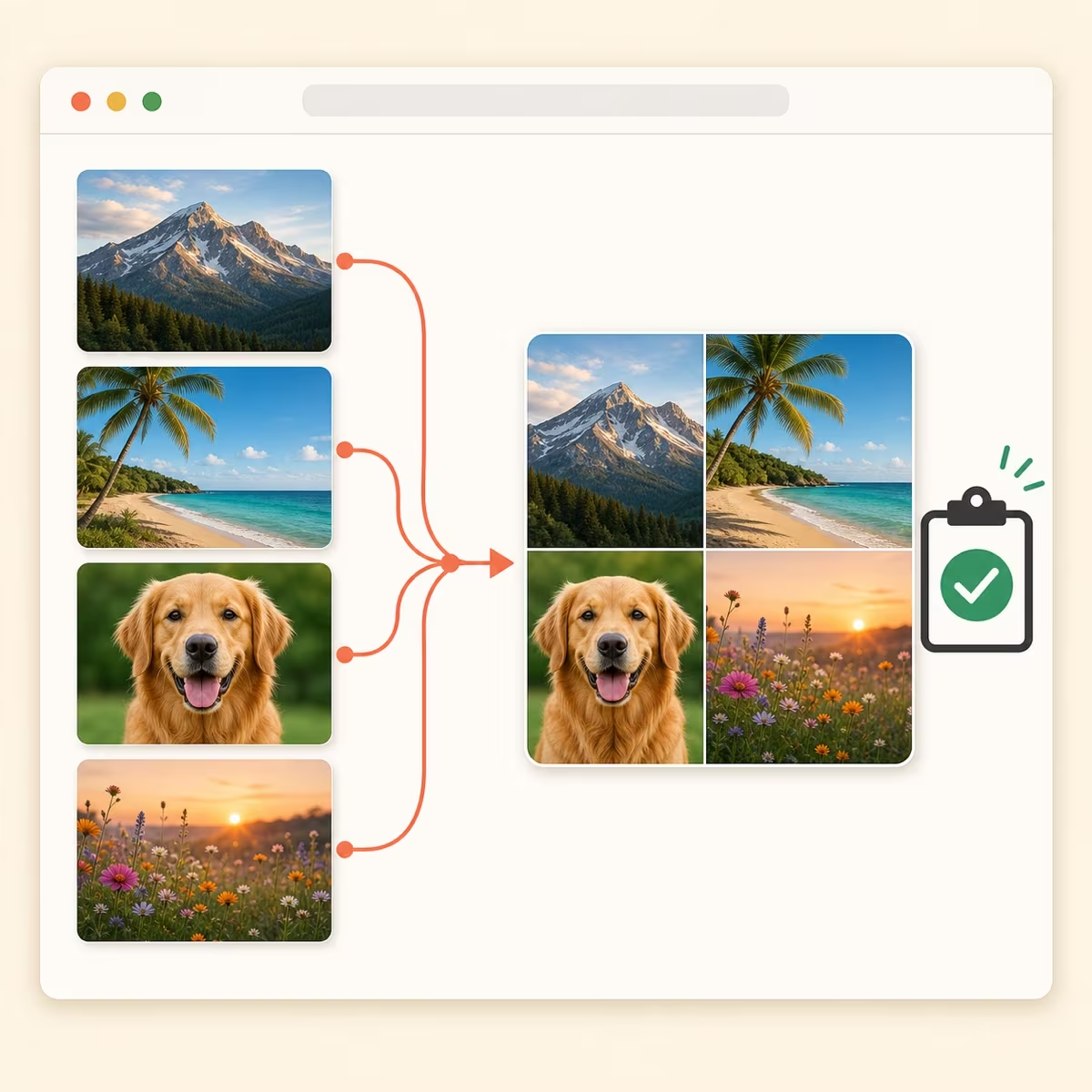
Add JPG, PNG, WebP, GIF, BMP or PDF files, let the smart layout arrange them, then reorder, resize and download one PNG, JPEG or WebP image. Processed locally. No server upload. No account.
Combine photos online for screenshots, comparisons and collages
Create one shareable image for bug reports, before-and-after comparisons, product grids or multi-image notes without opening a heavy editor.
Support & QA teams
The problem
You capture several screenshots and waste time lining them up before sending to engineering.
How Easy Photo Merger helps
Drop all screenshots in, drag to set their order, and download one combined image for Slack or Jira.
Slack, Discord, or Jira
Product & design
The problem
Before/after UI comparisons need pixel-perfect alignment — resizing in slides is tedious.
How Easy Photo Merger helps
Resize individual images and adjust the layout width to build a clean side-by-side comparison.
Notion, Figma comments, or email
Privacy-sensitive work
The problem
HR, finance, or internal documents should never be uploaded to online image combiner tools.
How Easy Photo Merger helps
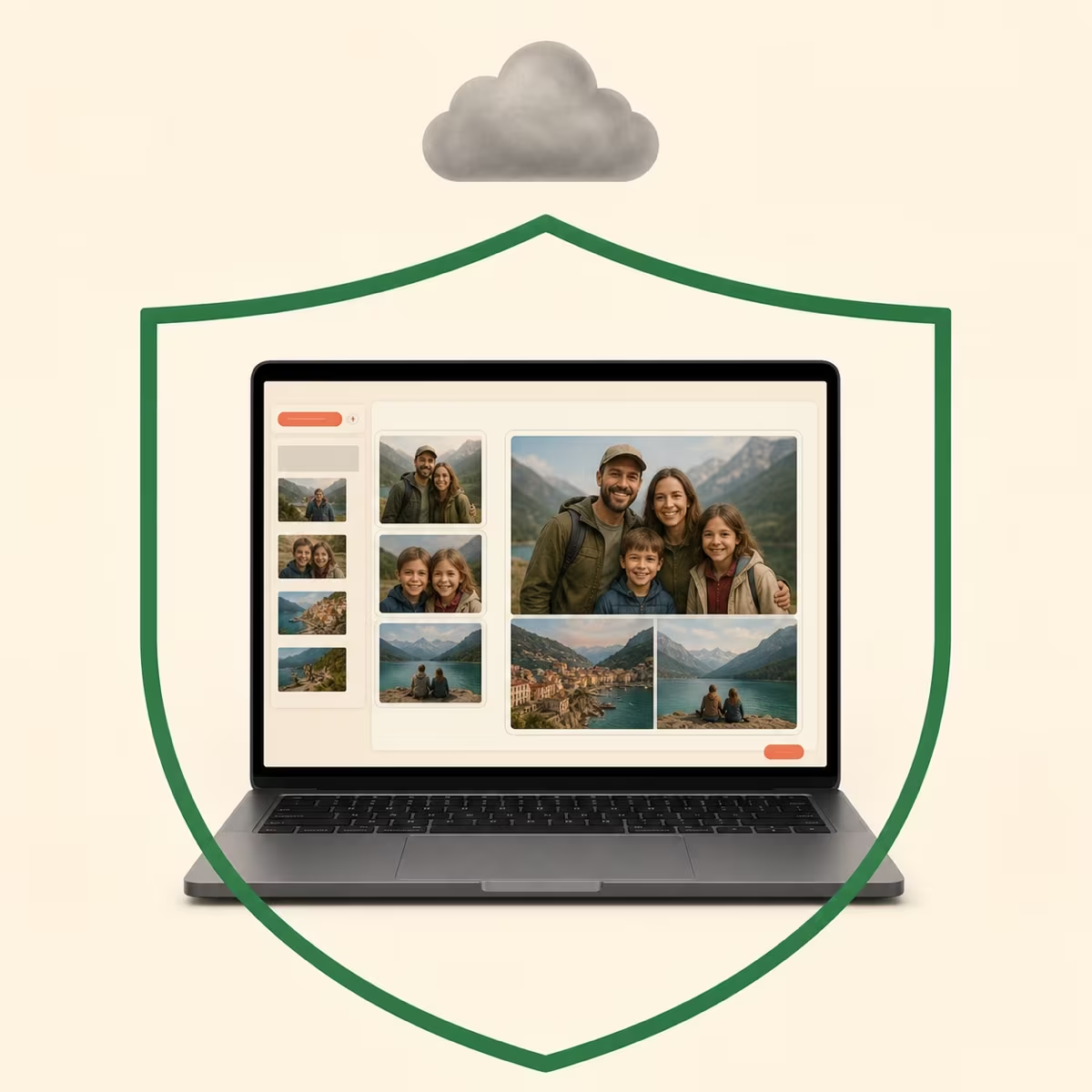
Everything runs locally in your browser — your photos never touch our servers.
Email or internal chat
Everyday quick collages
The problem
You just need to put two photos together, but opening Photoshop or Canva feels like overkill.
How Easy Photo Merger helps
Add the files, let the automatic layout do the work, and download the finished image.
Gmail, Teams, or any chat app
Privacy first
Merge photos without uploading them to a server
No backend API receives your source images or PDFs. File decoding, arrangement and export all run locally in the current browser session.
No server uploads
Images are processed in browser memory and Canvas only — never sent to our servers.
Session-only editing
Added files remain in browser memory for the current page session. Download the result before closing or refreshing the page.
No account required
Open the tool and start combining files immediately. No login, cloud project or profile is required.
Learn more
Merge images online without uploading photos to a server
How to merge multiple photos into one image online
Combining several photos into one image is useful for bug reports, before-and-after comparisons, product grids and multi-image notes. Add all source files together so the tool can build one balanced layout.
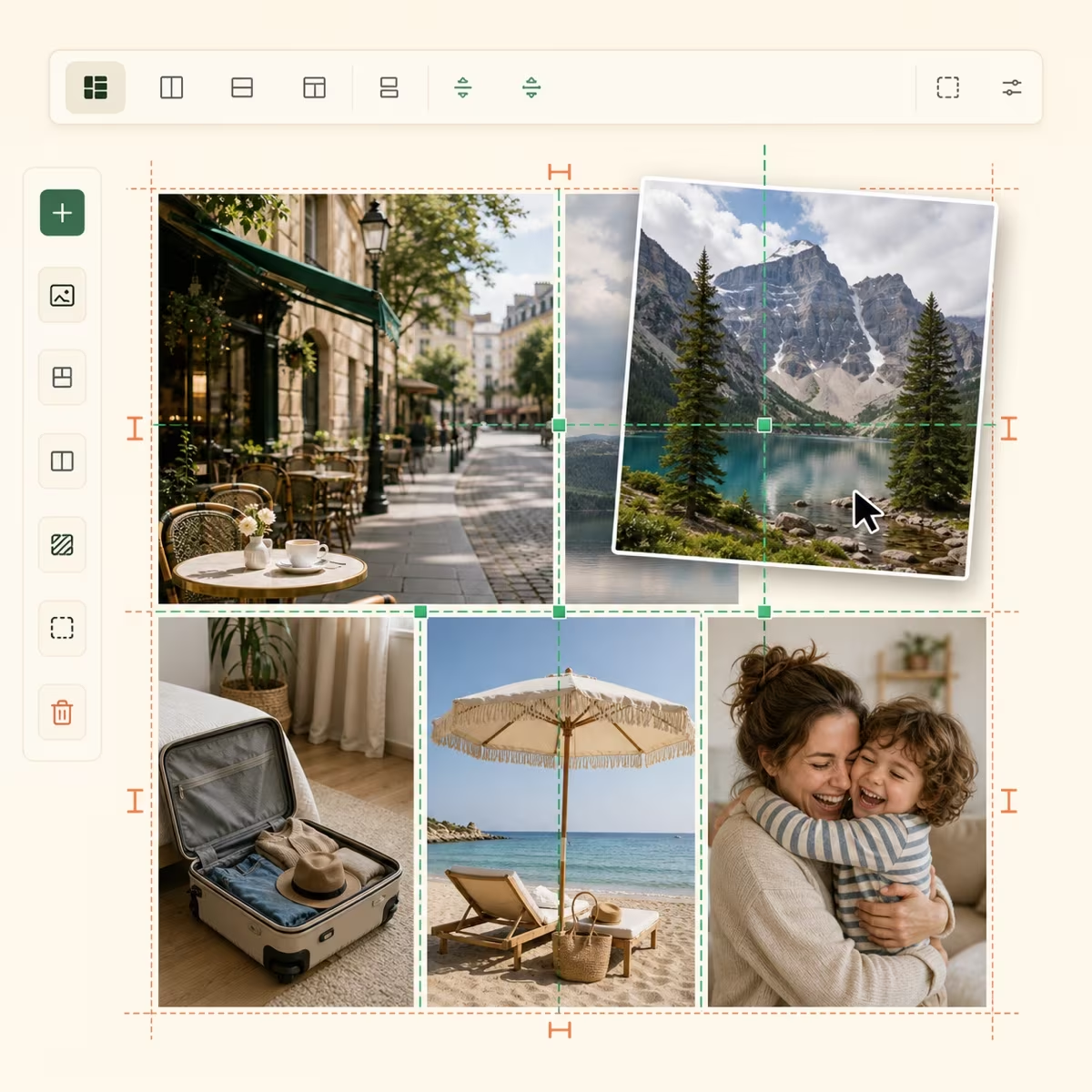
Easy Photo Merger processes the files in your browser. Drag items to change their order, resize or rotate individual images, adjust the gap and background, then download one PNG, JPEG or WebP file. No signup, cloud project or watermark is required.
How to put two photos side by side for a comparison
For a two-photo before-and-after image, add both files and keep the layout wide enough for a single row. Drag either image to swap left and right, then resize one if you need the subjects to appear at a similar scale.
Set the gap to zero for a joined edge or add spacing and a background for a framed comparison. Download the result as one image that is easy to attach to email, chat or a document.
How to arrange screenshots into one compact multi-row image
Add screenshots in reading order, then narrow the layout until the preview forms more balanced rows. Reorder any misplaced screenshot and set the gap to zero when you want the rows to connect closely.
Very large outputs may be scaled down to stay within browser memory limits. The preview shows the final pixel dimensions before you download, so you can reduce the export width when a smaller file is easier to share.
Combine JPG, PNG, WebP, GIF, BMP and PDF pages
You can mix JPG, PNG, WebP, GIF and BMP images in one layout. PDF files are supported too: every page is rendered as an image that you can reorder, rotate, resize or remove before export.
The finished download is a single PNG, JPEG or WebP image. The tool does not create a new PDF, preserve selectable PDF text or split a PDF into separate document files.
Join screenshots for Jira, Linear or Slack bug reports
Create a before-and-after photo comparison
Arrange selected PDF pages in one multi-row image
Build product-image rows and simple photo grids
Why choose a no-upload photo merger for privacy
We do not provide a backend that receives your source files. Images and PDF pages stay in browser memory while you edit, and the combined file is generated locally. Because there is no cloud save, download your result before refreshing or closing the page.
FAQ
Frequently asked questions about merging photos
Are my photos uploaded to a server?
No. All merging and editing happens entirely in your browser. We do not operate a backend that receives source files or layout data.
Do I need an account to combine photos?
No. Open the tool and add files - no signup, login or cloud sync required.
Will I lose my layout if I close or refresh the page?
Yes. Files and layout changes remain only in the current browser session. Download the merged result before you close or refresh the page.
Which browsers support the online image merger?
Current versions of Chrome, Safari, Firefox and Edge work best. Large files need enough device memory to decode and export locally.
Which image formats can I combine and download?
You can add JPG, PNG, WebP, GIF and BMP images plus PDF files. The combined result can be downloaded as PNG, JPEG or WebP.
How is Easy Photo Merger different from a full photo editor?
It focuses on one task: arranging several images into one downloadable file. It includes ordering, rotation, scaling, gaps, backgrounds and export settings without project setup or an account.
How do I put two photos side by side?
Add both photos, use a wide layout so they share one row, and drag to set left-right order. Adjust image scale and gap, then download one combined file.
Can I combine JPG and PNG images into one picture?
Yes. JPG, PNG, WebP, GIF and BMP files can share the same layout. Choose PNG, JPEG or WebP for the merged download.
Can I control the number of image rows?
Yes. A wider layout places more photos in each row, while a narrower layout creates more balanced rows. The preview updates as you resize the layout.
Is there a limit to how many photos I can merge at once?
There is no fixed file-count limit, but the practical limit depends on image dimensions and available device memory. Use a smaller export width if a very large result cannot be generated.
Ready to merge your images into one file?
Free, no signup - add your first photos and preview the combined layout.